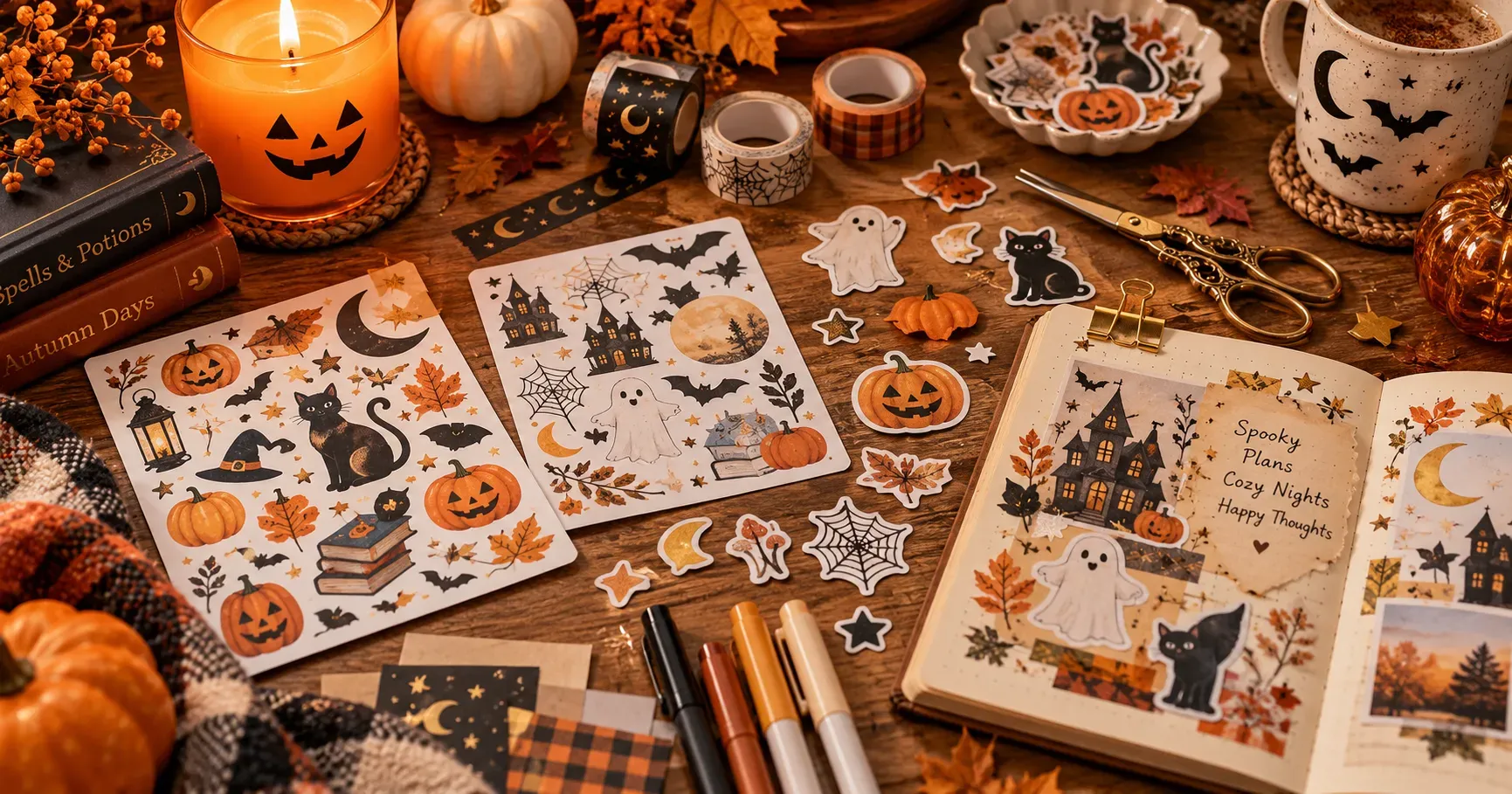
As the year comes to an end, it's the perfect time to look back on the little moments that made it special—from family trips and holiday celebrations to everyday smiles at home. Instead of leaving hundreds of photos scattered across your phone, why not bring your favorite memories together in a photo album the whole family can enjoy?
Creating a personalized photo album doesn't have to be complicated. With a few simple organizing tips and easy DIY ideas, you can turn your favorite pictures into meaningful keepsakes, decorate your home with happy memories, and enjoy a creative activity together. In this guide, we'll show you how to organize your photos, arrange them beautifully, and add personal touches that make every memory feel special.
1. Categorizing Your Photos
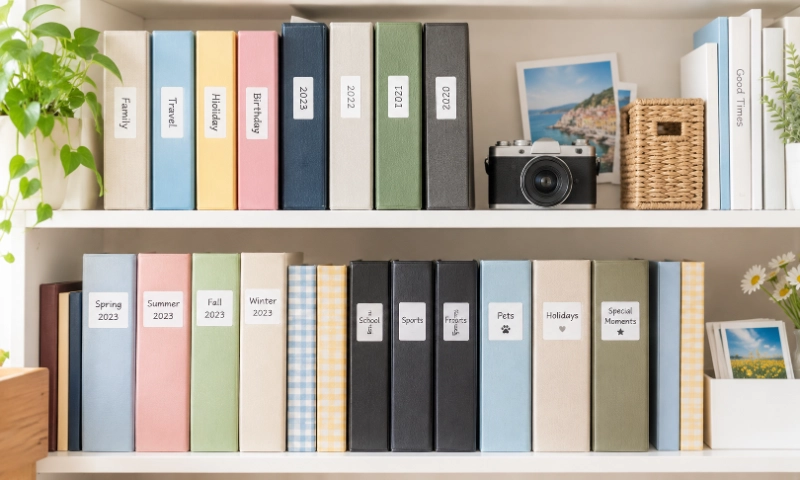
Before printing your pictures, decide how you want to organize them. A clear system makes it easier to find specific memories and gives each album a meaningful theme.
Organize by Time
Arrange photos by year, month, or date to create a visual timeline of your life. You could make an annual family album, document your baby's growth month by month, or collect everyday moments from each season. This approach works especially well for people who want to look back on how their lives, families, and experiences have changed over time.
Organize by Special Events
Travel adventures, weddings, birthdays, graduations, and family gatherings all deserve a place of their own. Create a separate album for each event, or group related occasions into one collection. For example, a travel album might include sightseeing, local food, memorable encounters, and scenic views. Keeping these moments together makes it easier to revisit a particular experience whenever you want.
Organize by Personal Achievements and Interests
Photo albums can also celebrate personal growth. Collect pictures of completed projects, graduation milestones, sporting achievements, creative hobbies, or new skills you've learned. Over time, these photos become a personal record of your progress and a reminder of how far you've come.
Make Your Categories Easy to Recognize
- Use separate albums or sections for different themes.
- Add labels such as "Summer Trip," "Family Time," or "Graduation" to identify each collection.
- Include dates, locations, and event names to preserve important details.
- Keep your digital folders and printed albums organized using the same categories.
You don't need a complicated system. Choose categories that reflect your lifestyle, and keep them simple enough to maintain as you collect more photos.
2. Arrange and Personalize Your Photos
Once your photos are categorized, it's time to turn your collection into a physical album. Following a few simple steps will help you choose the right pictures, achieve better print results, and create a layout that feels natural and personal.
01
Select Your Favorite Photos
Open the folder for your chosen category on your phone or camera and review the pictures. Choose a mix of important milestones, candid moments, group photos, scenic views, and small details that bring the experience to life. Don't limit yourself to perfectly posed pictures—a spontaneous laugh or an ordinary moment shared with loved ones may become one of your favorite memories. Remove duplicates and heavily blurred images where appropriate, but keep the pictures that tell a meaningful story.
Print Your Photos
Before printing, check the resolution, orientation, and cropping of each image. Higher-resolution originals generally produce clearer prints, especially when you want to preserve small details. Make sure faces and important subjects won't be accidentally cropped, and choose print sizes that fit your album or scrapbook. If you're planning a collage with different photo sizes, print a few samples first to see how they work together. Preparing a print list in advance can also help you avoid unnecessary duplicates and keep your project organized.
Arrange the Photos and Put Them into Your Album
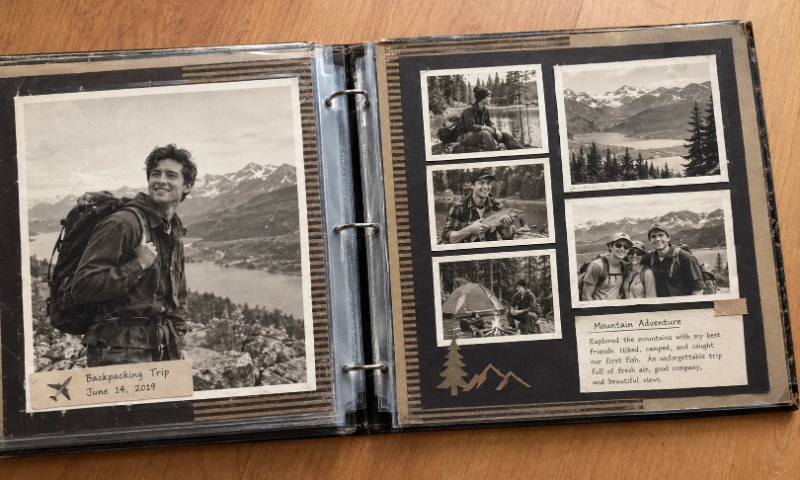
Think about the order in which you want to tell your story. A travel album might follow the journey from departure to sightseeing and the trip home, while a birthday album could move from party preparations to the celebration and group photos. Lay the pictures out on each page before attaching them, then group related images together. You can combine large highlight photos with smaller supporting pictures to create a natural flow and make the album enjoyable to browse.
Personalize the Layout
Now it's time to give your album its own style. Leave some blank space around important photos so the pages don't feel overcrowded. Combine different photo sizes, experiment with slightly staggered arrangements, and leave room for captions, dates, or decorative labels. A few consistent colors or design elements can help the album feel cohesive without making every page look identical. Before attaching everything permanently, try a few different layouts and choose the one that best reflects your memories and personality.
3. Three Creative Ideas to Personalize Your Photo Displays
Once your photos are organized and your basic layout is ready, why not take your creativity a step further? Beyond simply arranging pictures in an album, there are many ways to turn your favorite moments into personal keepsakes and decorations. Here are three creative ideas to inspire your next DIY project.
Idea 1: Cut and Combine Photos for a Creative Collage
Photos don't always have to stay in their original rectangular shapes. Carefully cut out selected subjects or details and combine them with other pictures to create a playful collage. For example, you could place a cutout of yourself against a travel landscape, combine several snapshots into one page, or mix photos with maps, tickets, and other small souvenirs.
Try combining different sizes and angles to create depth and movement. Just remember to keep the main subjects recognizable, and use copies of your original pictures when cutting so you can preserve the unedited versions.
Idea 2: Add Labels That Tell the Story Behind Each Photo
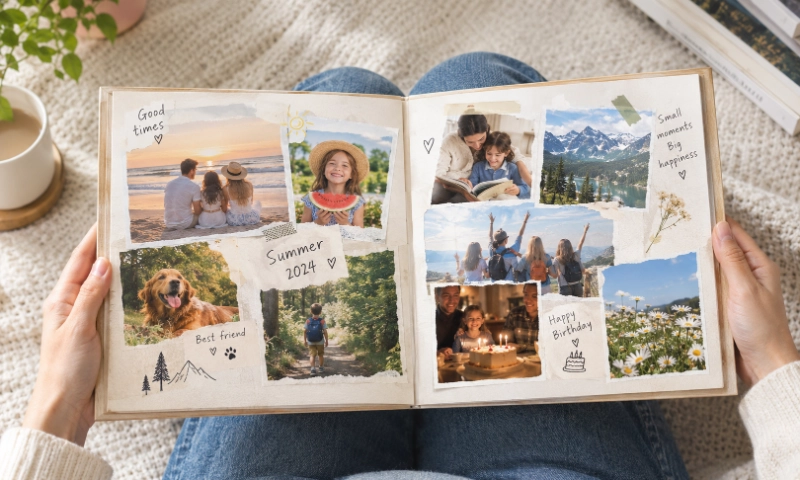
A photo captures a moment, but a few words can bring its story back to life. Add the date and location, identify the people in the picture, or write a short sentence about what happened. Instead of simply labeling a page "Paris, France," you might add a little note about discovering a favorite café or getting lost on the way to a landmark.
You can use information labels for dates and locations, story labels for personal memories, or themed labels such as "Summer Adventures" and "Little Moments" to give your pages a consistent look. Handwritten notes create a personal touch, while printed labels offer a neat, coordinated finish. Either way, these small details help turn a collection of pictures into a story worth revisiting.
Idea 3: Create DIY Picture Frames with Personalized Photo Labels
Your favorite memories don't have to stay inside an album. Turn a meaningful photo into a DIY picture frame for your desk, bedside table, bookshelf, or living room. Choose a picture, place it on a piece of backing paper or inside a frame, and decorate the surrounding space with dates, names, memorable quotes, or a special message.
You can also create a photo collage on a wall, decorate a notebook with miniature pictures, or make a personalized display for a family celebration. Adding printed labels gives each project a more polished and coordinated look, while making the finished piece uniquely yours.
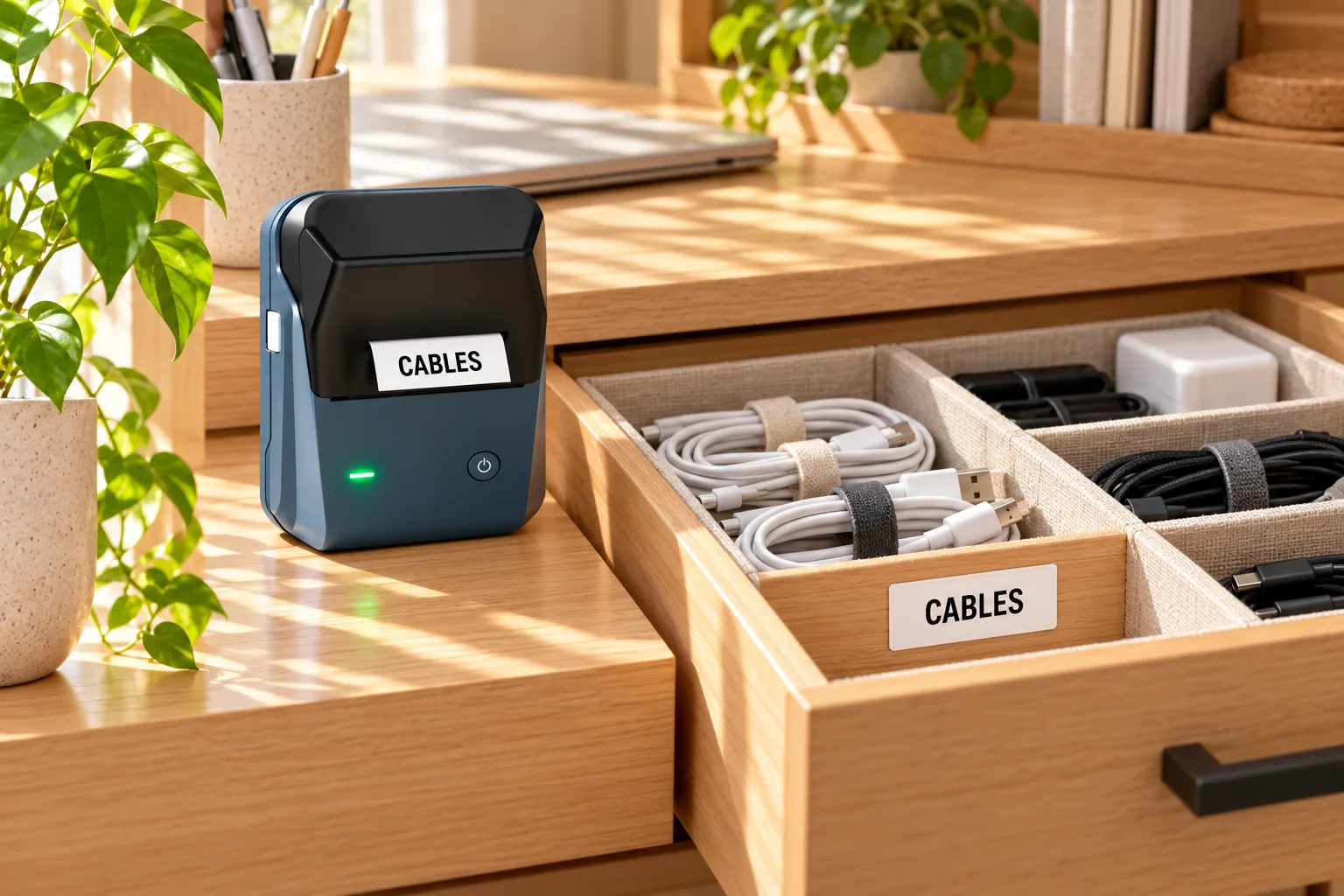
To make these projects even easier, NIIMBOT offers two home-friendly label printers: the B21 Pro and B2 Pro. Both feature 300 dpi printing precision and support photo printing, allowing you to create personalized photo prints as well as information labels and story labels for your DIY projects. Whether you're adding a date to a picture frame, printing a caption for a scrapbook, or creating a photo display on your wall, you can personalize your designs whenever inspiration strikes.
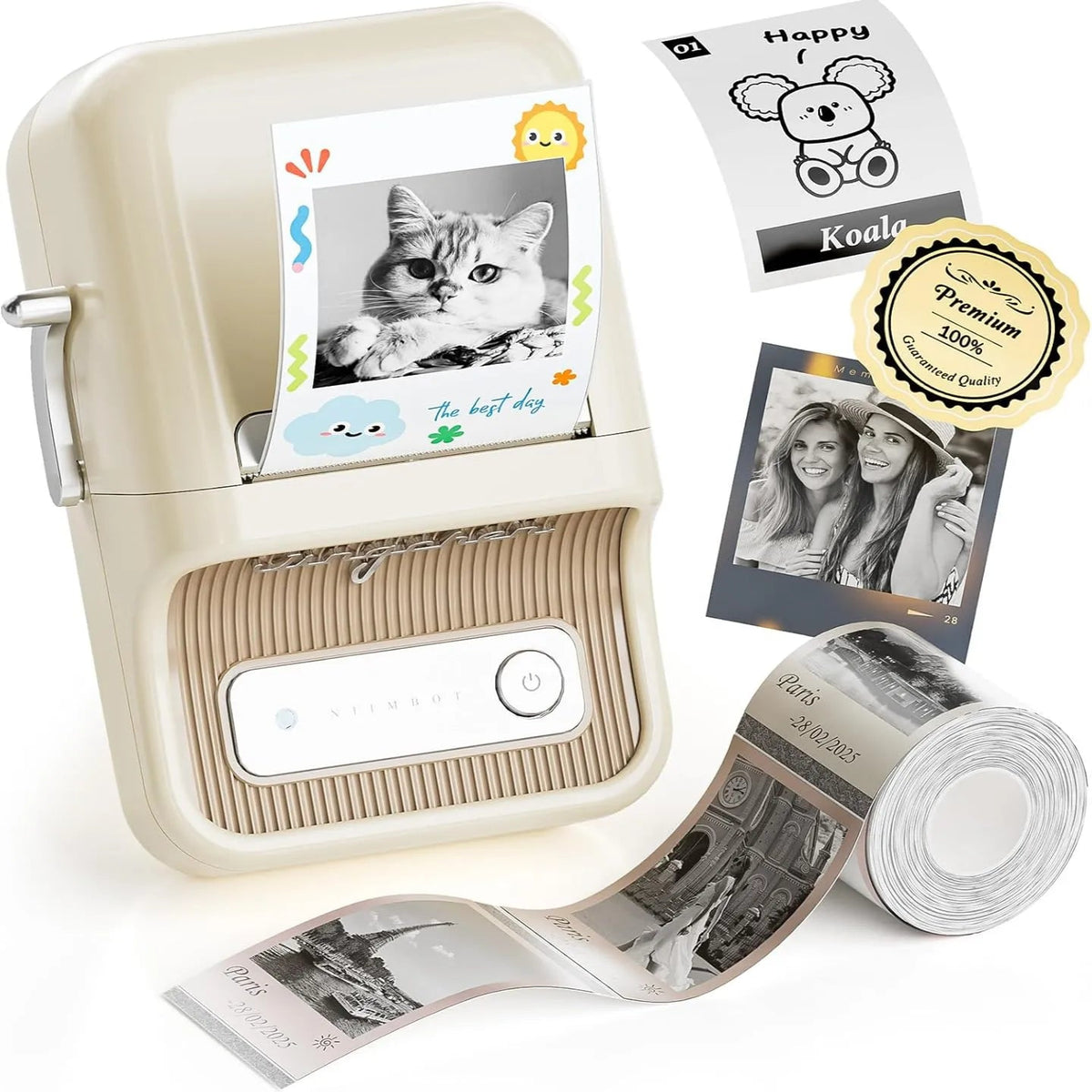
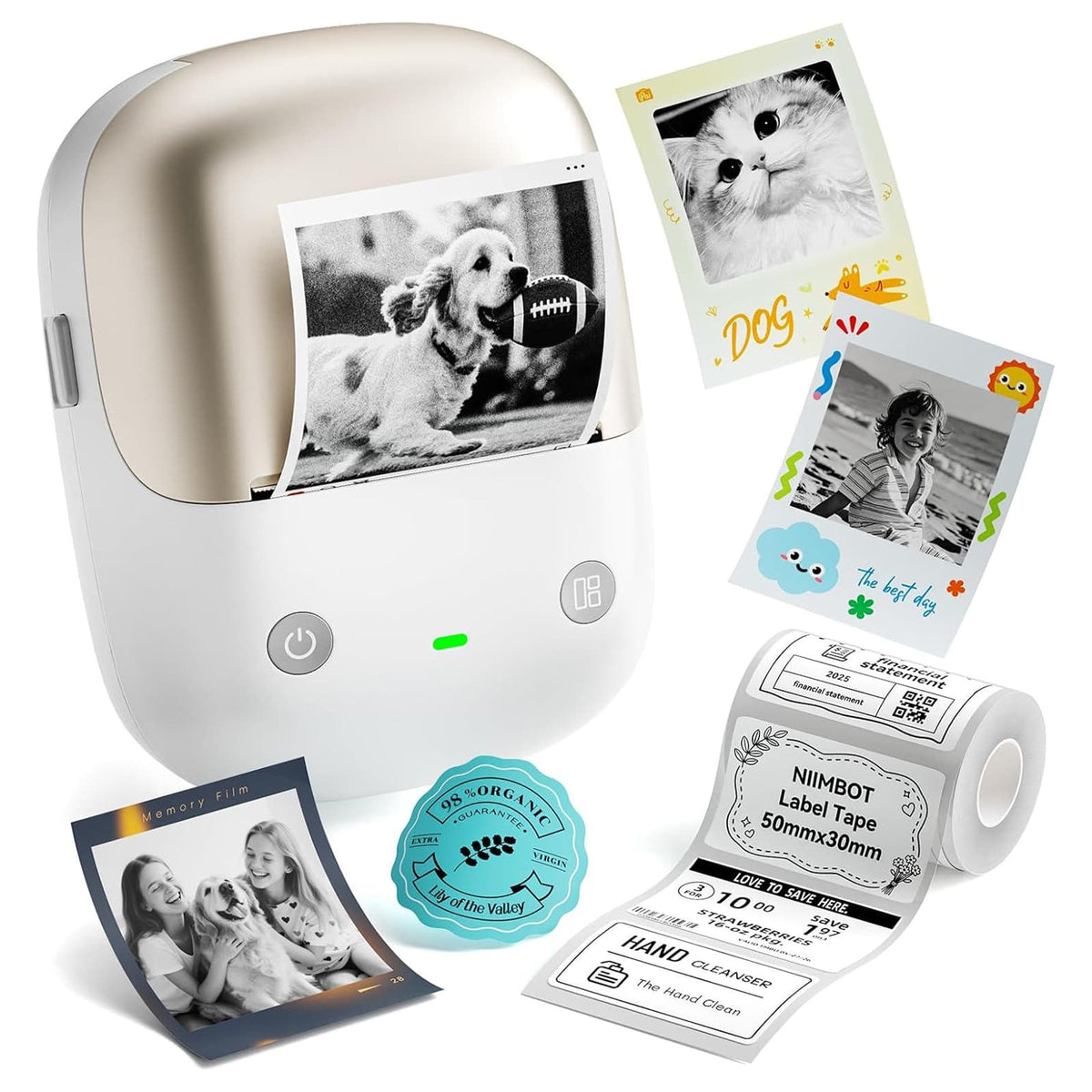
With the NIIMBOT app, you can personalize your content and create labels that suit your project. Print photos and captions for a dedicated picture frame, add memories to the pages of a notebook, or decorate a wall with a collection of meaningful moments. With 300 dpi printing precision, both printers help bring your creative ideas to life in a convenient home setup.
DIY photo projects can also become a fun family activity. Choose favorite pictures together, print the moments everyone loves, and decorate your home as a team. Children can help select photos and arrange decorations, while family members add captions and stories to the pictures. These shared creative moments can become beautiful memories in their own right.
The best part is that your photos no longer have to sit forgotten in a digital folder. With personalized prints and labels, you can bring your favorite memories into your everyday surroundings and make them part of your home.
Celebrate Family Memories
The end of the year is a wonderful opportunity to revisit the moments that brought your family joy. By organizing your photos, choosing your favorite prints, and adding simple creative touches, you can turn a collection of digital pictures into something meaningful that everyone can enjoy. Whether you create a scrapbook, add personalized labels, or design a DIY picture frame, even the smallest details can make your memories feel more special.
With the NIIMBOT B21 Pro and B2 Pro, you can print photos and personalized labels to bring your ideas to life. Gather your family, choose the moments you love most, and spend an afternoon creating something together. Your finished album or photo display will be more than a collection of pictures—it will be a warm reminder of the year you shared and the happy moments you'll continue to make.
FAQ
1. How can I make my photo album more creative?
Experiment with photo cutouts, collages, different print sizes, and personalized captions. Adding dates, locations, short stories, and a few coordinated decorative elements can give your album more personality. Remember to leave some blank space so the pages remain easy to browse.
2. Why should I add labels next to my photos?
Labels preserve details that a picture alone may not communicate, such as when and where it was taken, who appears in it, or what made the moment special. They also help create a consistent visual style throughout your album. You can handwrite your notes or print personalized labels for a clean, coordinated appearance.
3. How can I use the NIIMBOT B21 Pro and B2 Pro for photo album DIY projects?
The NIIMBOT B21 Pro and B2 Pro are home-friendly label printers that feature 300 dpi printing precision and support photo printing. You can use them to print photos, dates, locations, information labels, story labels, and decorative text for scrapbooks and picture frames. You can also use your creations to decorate walls and notebooks, making it easy to personalize your home and preserve your favorite memories.