A well-organized workspace is not about buying more bins. It is about making the things you already use easy to find, return, and share. A few clear office organization labels can turn a crowded desk, overfilled drawer, or mystery storage box into a system that takes only seconds to understand.
Start with the spots that slow you down
Before printing anything, notice where you lose time. Do you open three drawers to find a charging cable? Does incoming paperwork get mixed with documents that need action? Do coworkers ask where spare pens or shipping supplies are kept? These recurring interruptions are good places to begin.
Choose one small zone rather than labeling the entire office in a single afternoon. A desk drawer, one shelf, or the cabinet where shared supplies live is enough for a first pass. Remove items that no longer belong there, group what remains, and decide where each group should go. Labels work best when they identify a real category and match a place that people can consistently use.
Keep the first round temporary in spirit. You may discover that “Adapters” and “Cables” need separate homes, or that one large “Mail” category should become “To File” and “Needs Reply.” A practical system grows from actual routines rather than an idealized desk photo.
Office label ideas by area
Desk drawers and desktop supplies
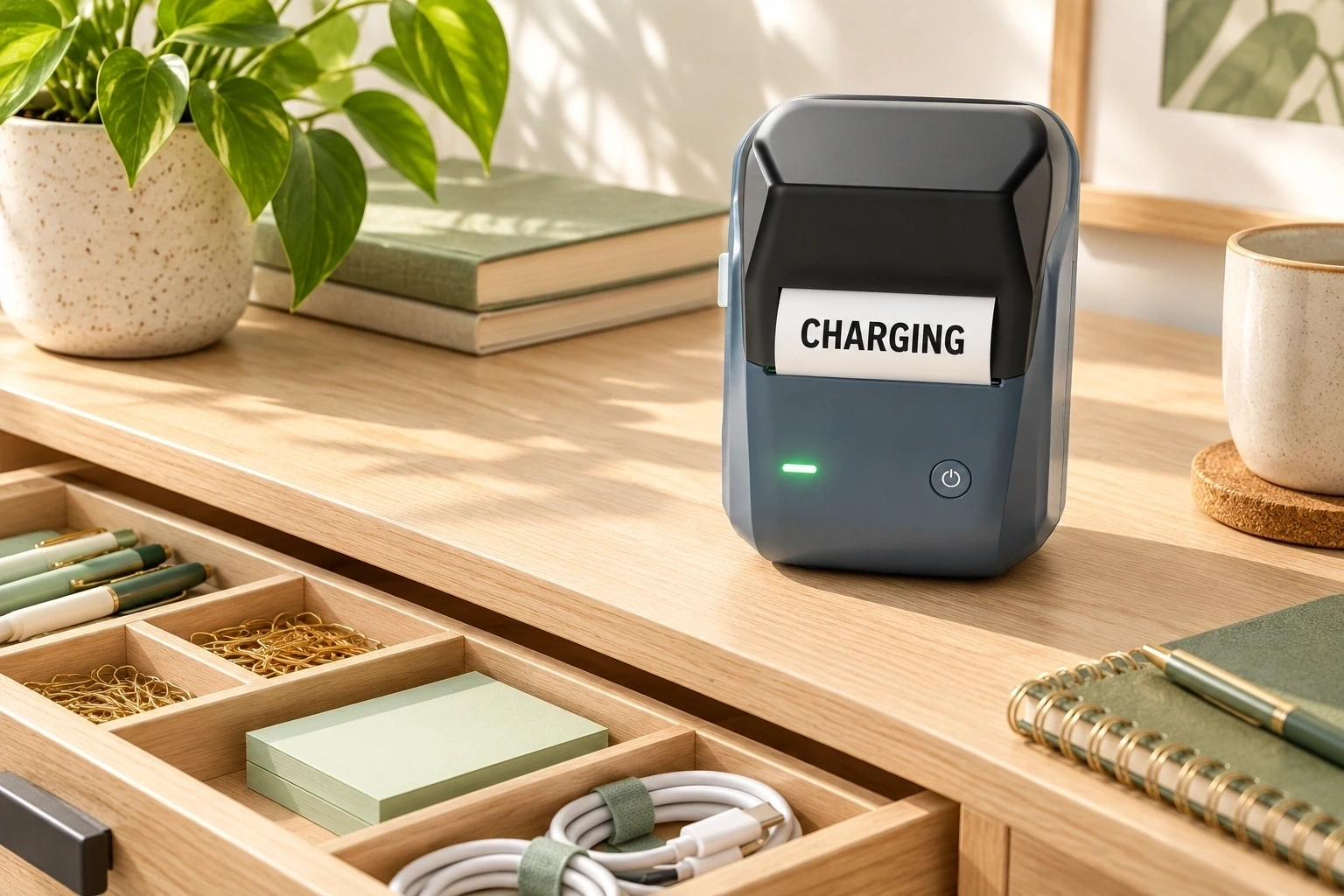
Small supplies disappear easily when every item shares one drawer. Give frequently used groups clear homes: “Pens + Markers,” “Charging,” “Stamps,” “Clips,” or “Notepads.” If the drawer is shallow, attach labels to the front edge of dividers or small containers so you can read them from above. Keep the words short enough to scan at a glance.
A desktop tray can also benefit from a simple label such as “Today,” “To File,” or “To Sign.” These labels describe the next action, not the type of paper, which can help keep a paper inbox from becoming a permanent pile. If your workflow changes, update the wording rather than keeping an outdated label out of habit.
Files, binders, and project materials
File folder labels should make retrieval predictable. Pick one naming pattern, such as client or project name followed by year, and use it throughout the drawer. For active work, a broad project name may be enough; archived folders may need a year or status. Avoid squeezing a whole document summary onto a narrow tab.
Binders and magazine files are easier to scan when their spines face outward and their labels follow the same format. For example, use “Project / Year” on every binder rather than alternating among project names, employee names, and dates. If multiple people use the shelf, spell out unfamiliar abbreviations at least once.
Shared supply shelves
Shared office organization depends on labels that answer two questions: What belongs here? Where should it go back? Label bins for categories such as “Mailers,” “Printer Paper,” “Returns,” or “Meeting Supplies.” If an item has a specific restocking point, a small note like “Refill from cabinet” can help the next person maintain the setup.
Try to keep labels consistent across containers: same placement, similar wording, and a small set of category names. If the shelf is used by a team, ask one or two regular users to review the labels before printing a full set. Their questions may reveal a category that makes sense only to the person who created it.
Cables, devices, and equipment
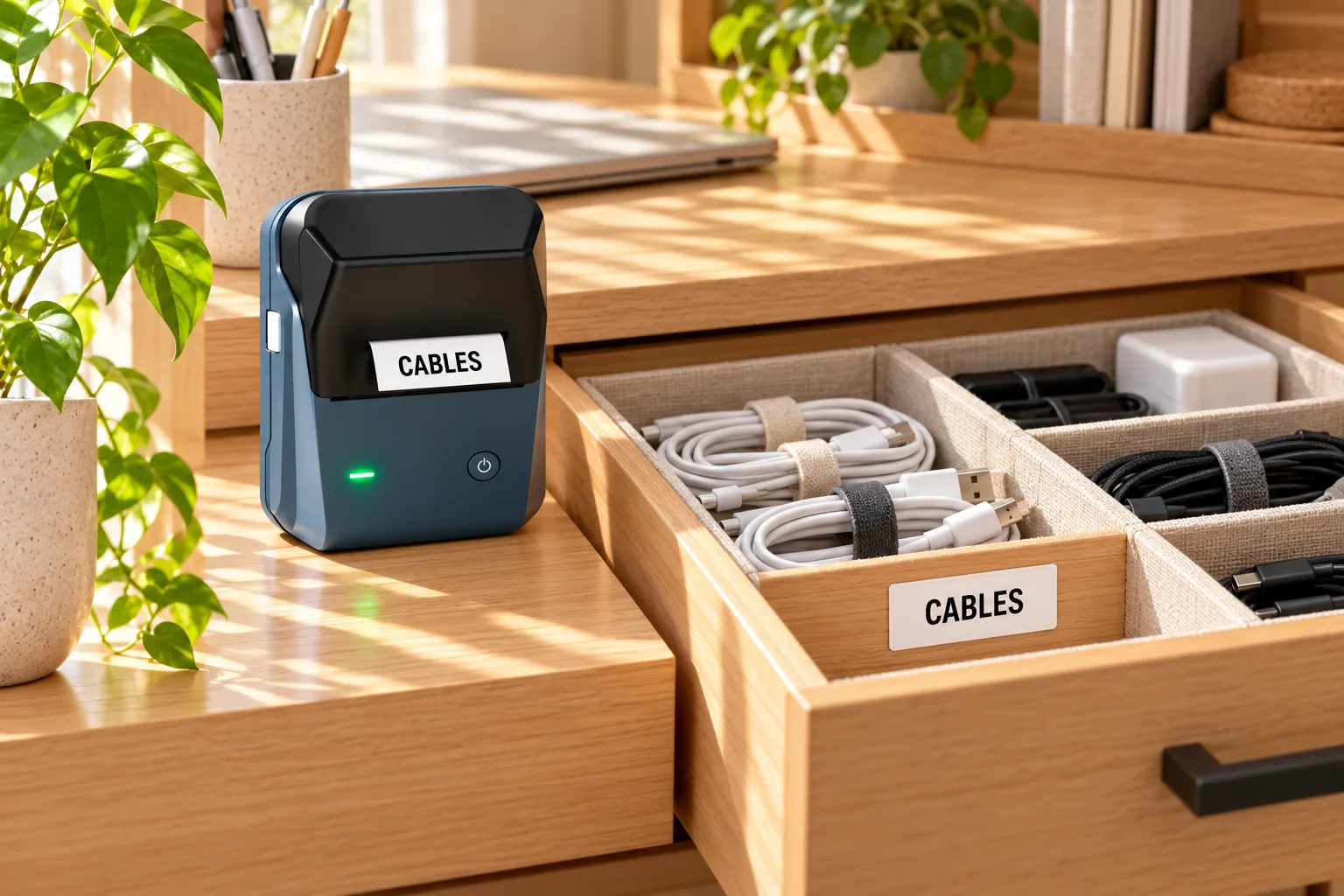
When several similar chargers or accessories live together, label the storage pouch, drawer compartment, or cable end where the text can be read without interfering with use. A clear label such as “Webcam” or “USB-C Hub” is more useful than a code only one person remembers. For shared devices, labels can also mark the assigned storage location.
Use a label on the container or storage spot when equipment changes hands often. Avoid covering vents, ports, controls, or manufacturer information on the device itself. For cables that move between rooms, a small label near the storage end can be easier to read than one wrapped around a tight connector.
Shipping and small-business work areas
If your home office also handles orders, separate business supplies from personal paperwork. Create clearly named homes for “Ready to Ship,” “Packing Slips,” “Thank-You Cards,” and “Label Rolls.” Keeping workflow stages distinct can make it easier to see what needs attention without mixing orders with general desk supplies.
| Area | Useful label examples | Keep in mind |
|---|---|---|
| Desk drawer | Writing Tools, Charging, Clips | Use short category names |
| Paper workflow | To File, Needs Reply, To Sign | Choose action words your routine supports |
| Shared shelf | Mailers, Meeting Supplies, Refill Stock | Make the return location obvious |
| Project storage | Project Name / Year | Keep one naming pattern across files |
Write labels people can scan
The most effective office labels are not necessarily the most detailed. They make a category obvious with a few familiar words. Start with the noun or action that someone needs to recognize: “Invoices,” “Spare Cables,” “To Review.” Add a second line only when it removes genuine ambiguity, such as “Invoices / 2026.”
- Use everyday language. “Meeting Supplies” is easier to interpret than an internal abbreviation.
- Keep categories at the same level. Avoid mixing “Office” with specific items like “Staples” in the same row of bins.
- Make type easy to read. Strong contrast and uncluttered text matter more than decorative wording.
- Use dates only when they help. A year can distinguish archived files; a date on a permanent supply bin usually adds little.
- Leave a little breathing room. Text that nearly touches the edge can feel crowded and may be harder to read.
Think about viewing distance. A drawer divider can use a compact label because it sits close to the user. A box on a high shelf may need larger wording that can be seen from the floor. Before you print several labels, try one and check that the words remain legible where the label will actually live.
Build a system that lasts
Organization is easier to maintain when the setup respects the way you work. Place high-use supplies within reach, reserve less accessible shelves for occasional materials, and group items by task or frequency. A label should reinforce that arrangement, not force people to memorize a complicated map.
Leave room for change. Use a broad label when the exact contents are likely to shift, and choose a precise label when the category stays stable. For example, “Shipping Supplies” can hold tape, mailers, and packing slips together; separate labels make sense only if those items are used or replenished independently.
Review your labels during a regular reset—perhaps when you clear your inbox or restock supplies. Replace labels that no longer match the contents, remove duplicates, and combine categories that are rarely used.
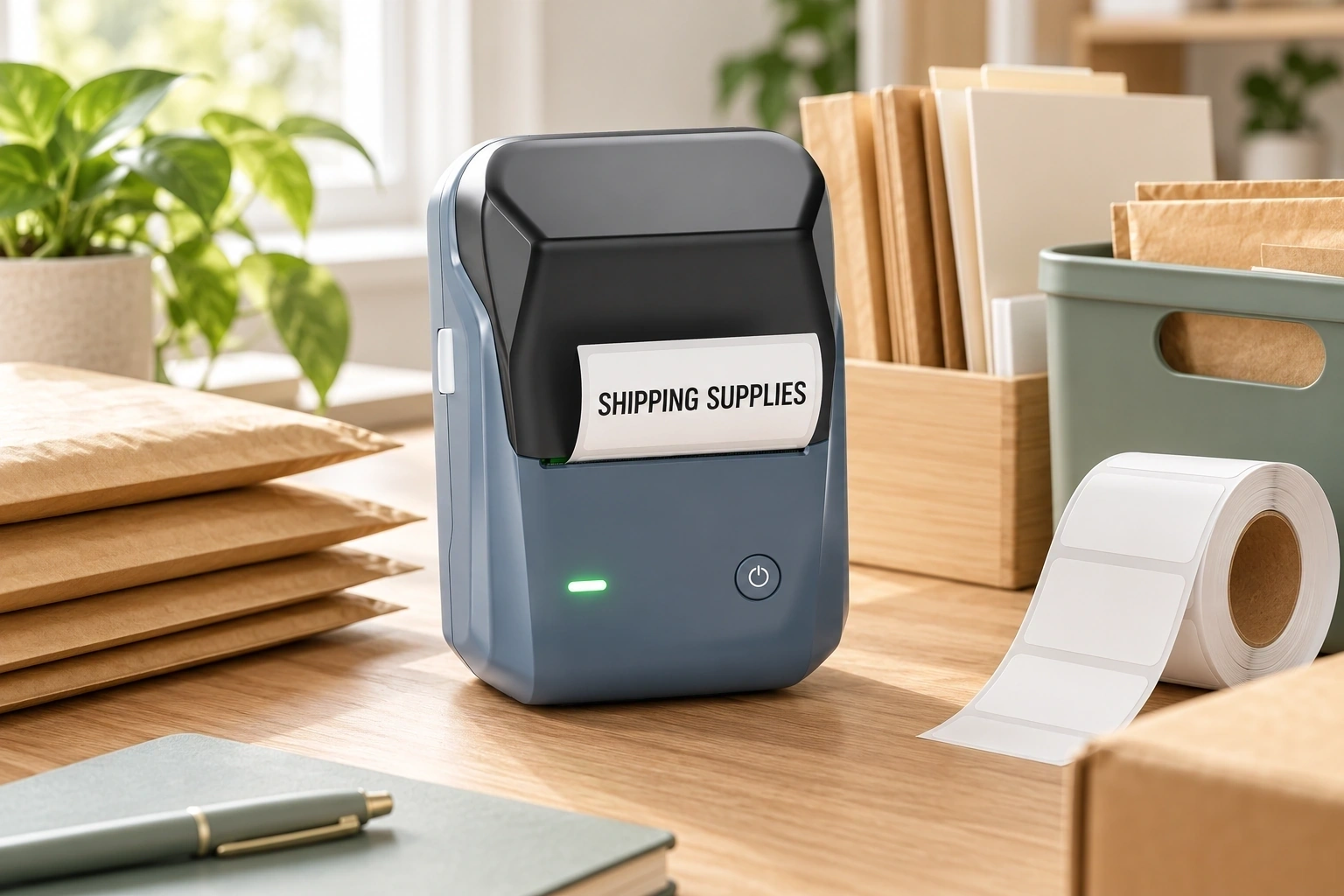
Choose a label printer for your workspace
If you only need a handful of labels once, handwriting or a sheet of printable labels may be enough. A dedicated label printer can be useful when you revise categories often, want a consistent look, or make labels for several parts of a home office and small-business workspace.
Before choosing a printer, consider the surfaces and label sizes you actually need. Small labels work well on drawer dividers and compact containers; wider labels can fit longer names or extra details. Check that the label stock is intended for your printer and the surface where you plan to use it. For cabinets and containers that are handled often, apply labels to clean, dry surfaces and test one first.
The NIIMBOT B1 product page describes it as an inkless thermal label printer and includes office as one of its suggested use settings. The listing also shows several label-size options, including 50 × 30 mm, 50 × 50 mm, and 50 × 70 mm selections, depending on the set. Check the current product page for the available bundles and compatible supplies before ordering.
Ready to make your office easier to navigate?
Explore the NIIMBOT B1 and see the current printer and label options.
Frequently asked questions
What should I label first in a home office?
Start with the place that causes the most repeated searching: a desk drawer, paper inbox, shared supply shelf, or cable storage area. Choose one zone and make its categories clear before expanding the system.
How do I make file folder labels easier to scan?
Use one consistent naming order across folders, keep the wording concise, and add a year or status only when it helps distinguish documents. Put the label where it remains visible when folders are stored together.
Should every storage box have a label?
No. Label boxes when the contents are not obvious, when several people share the space, or when a box is stored out of sight. A visible container of everyday pens may not need extra text.
What label size should I choose?
Match the label to the available surface and the amount of text. Measure the spot first, then consider how far away someone will stand when reading it. Check the printer and label-stock compatibility details for the specific size you select.
How often should I update office labels?
Update them whenever the contents or workflow changes enough that the wording becomes misleading. A quick review during a regular desk reset can catch outdated categories before they cause confusion.
Make the next workday easier
A useful office organization system starts with a small improvement: a drawer that stays sorted, a folder that is easy to find, or a supply shelf that makes sense to everyone. Choose one friction point, give its items a clear home, and use concise labels to make that home visible. Once the first zone works in everyday use, repeat the same simple approach wherever it saves you time.