For a small clothing business, clothing labels do more than add a finished touch: they help customers identify a size, help staff sort stock, and help orders leave the worktable with the right item. The NIIMBOT B1 label printer can support those everyday jobs by printing clear labels for paper hang tags, packaging, and storage bins. Here are practical ways to use labels across your apparel workflow.
One useful distinction up front: the ideas here are for labels attached to cardstock tags, packaging, or storage—not sew-in garment labels or care labels intended to withstand laundering. Match the label stock to its surface and use, and check compatibility before printing a full batch.
Start with the job the label needs to do
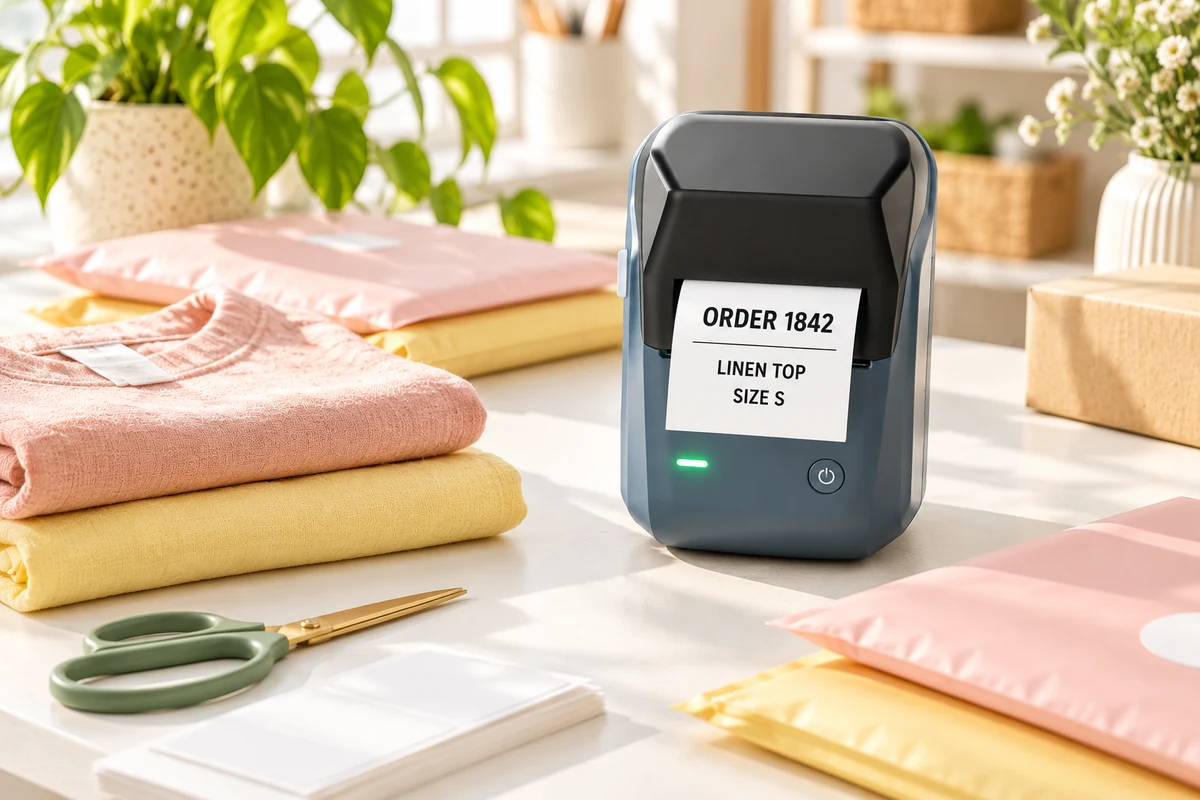
Before picking a label size or wording, name the moment when a label would save time. A shopper may need to find a size without unfolding a garment. A packer may need to distinguish two similar black tops. You may need to see which bins hold small, medium, or large stock before opening them. These are different jobs, so they may call for different wording and placement.
Make clearer size and product hang tags
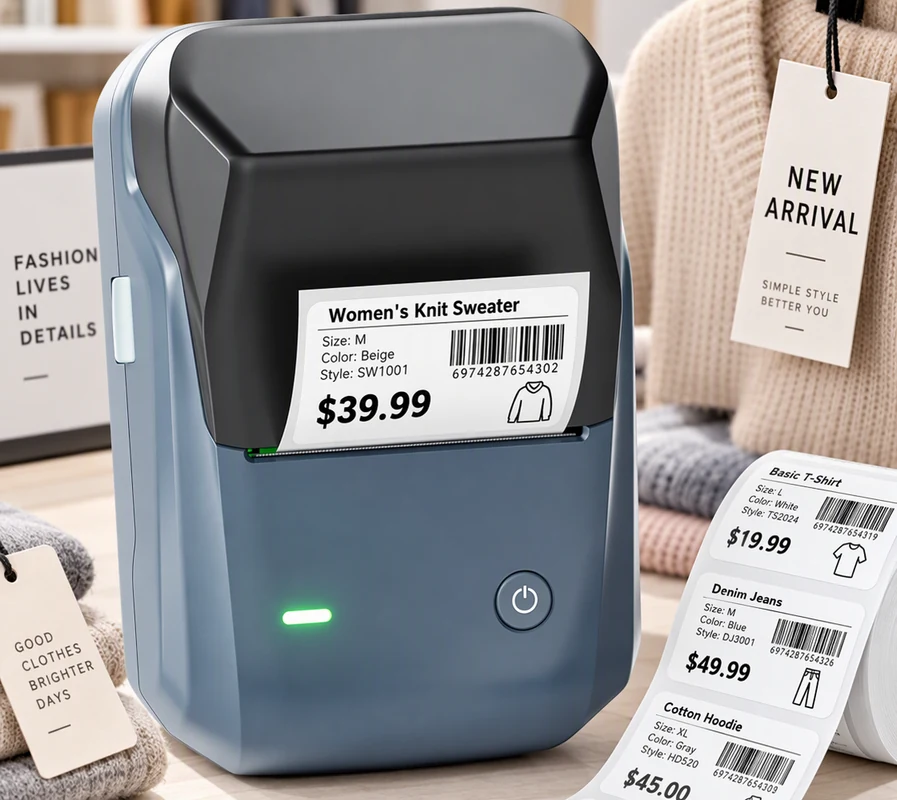
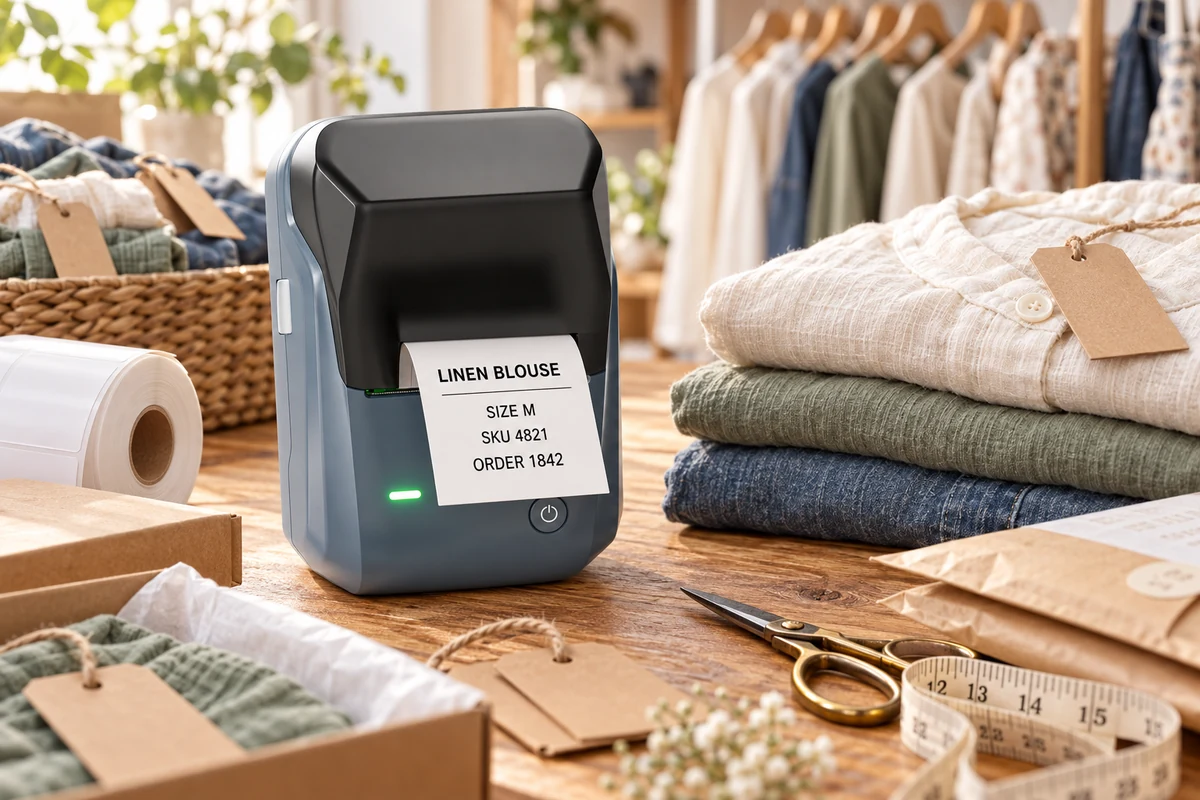
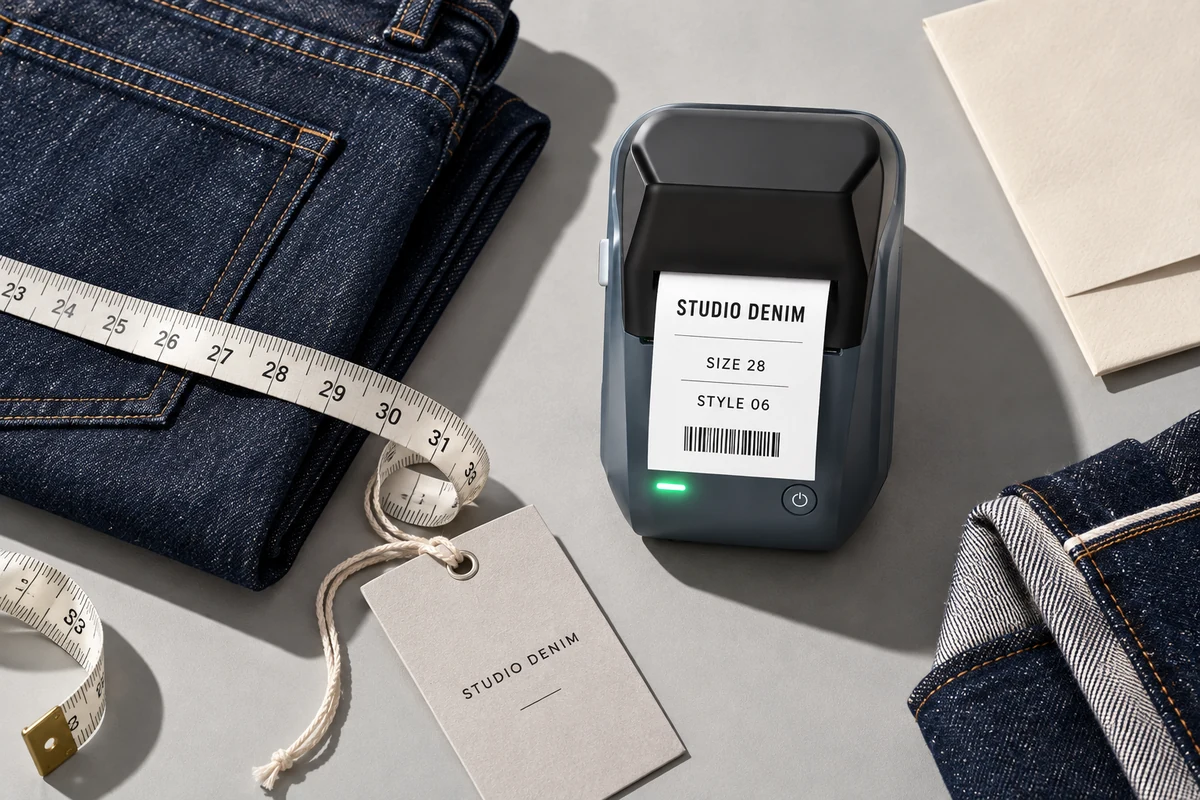
Size is one of the most useful details to show on a clothing hang tag. It saves customers from checking every piece and makes it easier to return an item to the correct rack. If you sell several styles in the same size, include a short style or product name too, such as “Linen Shirt · M” or “Rib Tank · S.” Make sure the text fits comfortably rather than squeezing it edge to edge.
A printed thermal label can be placed on a blank cardstock hang tag, a paper product card, or suitable packaging. It does not have to replace your brand’s main tag. Many small shops use a simple printed size or SKU label alongside a designed hang tag with the logo, materials, or product story. This keeps variable details easy to update while the main branding stays consistent.
Choose a simple tag layout
- Top line: style or product type, if customers need it.
- Second line: size, such as XS, S, M, L, or XL.
- Optional detail: a short color or SKU code for staff.
For example, a tag might read “COTTON TEE / SIZE M,” while a back-stock label for the same product could read “TEE · M · NAVY.” The customer-facing tag and internal stock label do not need identical copy. Each should make sense to the person using it.
Place the printed label on the tag where it can be read without covering important brand details or care information. If a tag already has a size printed by the manufacturer, decide whether an added sticker genuinely improves visibility. A second size mark can be useful on a sales floor, but duplicating information everywhere may create clutter.
Keep back-stock easier to sort
Inventory labels are for the moments customers do not see: receiving a delivery, replenishing a rack, or checking what is available before promising an order. Start with storage bins, shelf edges, and garment bags rather than sticking labels directly onto fabrics. A bin label can hold a category, size range, or color family; a product-specific label can add a short SKU if your records already use one.
Use one order for the information every time. For example, “TOP / M / BLACK” is easier to scan when all bins follow category, size, then color. If your shop prefers style code first, use that order consistently. The particular convention matters less than making it predictable for anyone who helps with stock.
Think about how the inventory is physically arranged. If each bin holds one size, the size can be large and the product category smaller. If bins hold mixed items, make the main category prominent and put more detail on an inner card or secondary label. Labels should describe the contents people can reasonably expect to find, not every individual piece.
When a size or color sells out, update the bin rather than leaving an old label in place. A reusable shelf holder or a removable label on the container can make changes simpler. For seasonal stock, add a season or year only if you will use it to make a real sorting decision.
Use labels at the packing table
A packing station is where apparel orders, tissue paper, mailers, thank-you cards, and shipping supplies tend to mingle. Give these materials separate homes and label the bins that are otherwise easy to confuse. “Mailers,” “Hang Tags,” “Returns,” and “Ready to Pack” are straightforward examples. If one person handles several orders at once, a short label for a staging area can keep picked items together until the order is packed.
For each garment, check the style and size against the order before sealing the package. A size label on a hang tag can be one visual checkpoint, but it does not replace reviewing the actual order details. Keep the order record as the source of truth and use the physical label to make handling easier.
If you print a label for a package or order bin, use wording that describes the work stage, such as “PACKED” or “PICKUP.” Do not use an internal staging label as a substitute for the carrier’s required shipping label. Keep customer names, addresses, and order information in the appropriate system and print only what you need for the physical workflow.
Choose a system you can keep up
A useful clothing-labeling system can start with three decisions: which categories you use, how you write sizes, and where each label goes. Decide whether your shop writes “Medium” or “M,” whether color names are abbreviated, and whether style codes appear on customer-facing tags. Put those choices in a short reference note near the printer so a helper can follow the same pattern.
Make a small sample set before printing a full roll. Check whether the text is readable at the distance people will stand, whether the label fits the tag or bin, and whether the adhesive is suitable for that surface. The product page lists different label-size options for the B1; compare the available size and label type with your actual tag, packaging, or storage area before buying supplies.
Give the system a little room to change. A new collection may add sizes, colors, or styles, and a market setup may need different labels from an online packing table. Keep stable information—such as your size format—and let variable information—such as product name or season—change as needed. If a label no longer matches the item or location, replace it instead of teaching everyone to ignore it.
Where the NIIMBOT B1 fits
The NIIMBOT B1 product listing describes it as an inkless thermal label printer and includes clothing among its suggested use categories. The listing also shows several label-size choices, including 50 × 30 mm, 50 × 50 mm, and 50 × 70 mm options depending on the set. Those details can help you compare the printer with your tags, packaging, and storage labels. Check the current listing for compatible supplies and the options available when you order.
For a small apparel shop, the practical question is not whether every item needs a label. It is whether clear printed details would make a particular step easier: sorting sizes, keeping stock together, or preparing an order. Start with one repeatable task, print a few sample labels, and see if the setup works at your real worktable.
Want to build a clearer apparel-labeling setup?
Explore the NIIMBOT B1 and review the current printer and label options.
Frequently asked questions
Can I use the NIIMBOT B1 for clothing labels?
The B1 product page includes clothing among its suggested use categories. For this guide, “clothing labels” means labels for paper hang tags, packaging, or inventory storage. Check label compatibility and intended surface before use.
Can I print labels directly onto fabric with the B1?
This article does not recommend applying ordinary thermal labels directly to garments or treating them as sew-in or washable care labels. Use labels on a suitable tag, package, or storage surface, and verify the material’s intended use.
What should I put on a clothing hang tag?
Start with the product name or style and size. Add a color or SKU only when it helps a shopper or your staff. Keep the wording short enough to read without crowding the tag.
How can I organize clothing inventory by size?
Choose a consistent order for product category, size, and color, then use it on bins or shelf labels. Keep bins grouped in a way that matches how you replenish the sales floor or pick online orders.
What label size should I choose?
Measure the hang tag, package, or bin edge first. Consider the amount of text and the distance from which it will be read, then confirm the selected label stock is compatible with your printer.
Make apparel labels work for your routine
Good clothing labels solve small, repeatable problems. A size tag helps a shopper scan a rack. A bin label helps you find the right stock. A staging label keeps picked items together while an order is packed. Choose one of those jobs, settle on clear wording, and test a few labels where they will actually be used. Once the first step works, carry the same simple conventions through the rest of your apparel workflow.