🎃 👻 🌙 🦇
A LITTLE SPOOKY · A LOT OF CUTEPumpkin carving, spooky movie nights, costume parties, and candy runs deserve a place in your journal. With a compatible portable sticker printer, you can create labels and decorations that make your October memories feel extra personal. Photo stickers and color artwork require a printer that specifically supports those outputs.
 |
🎃 1. Why Use a Portable Sticker Printer for Halloween Journaling?
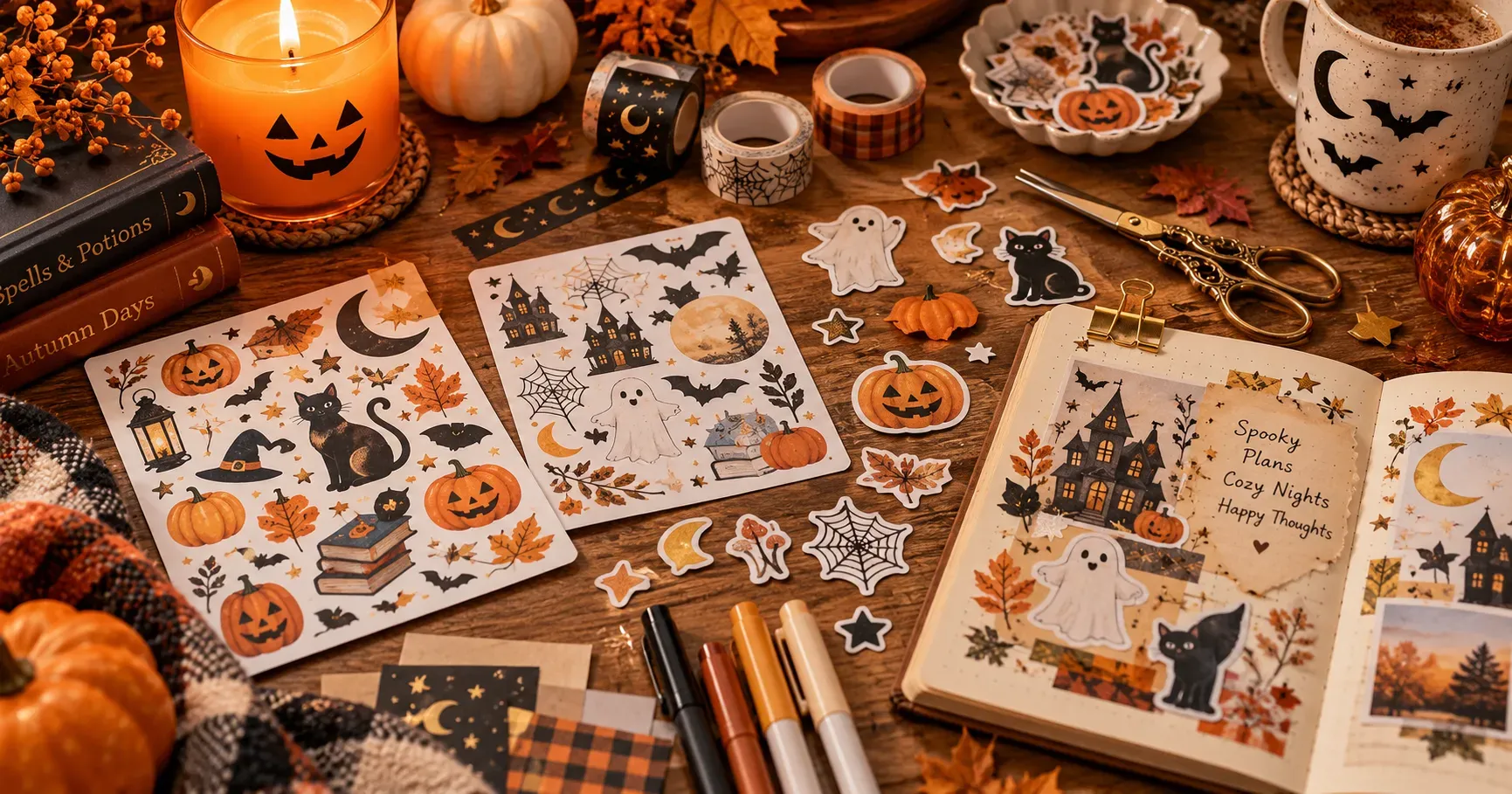
Halloween journaling is about saving the little details that make October special. A carved pumpkin, a favorite costume, or a cozy movie night can become the starting point for a playful journal spread. Printed captions, simple icons, and compatible stickers help bring those memories together.
📸 🎃
Save the Little Moments
Add dates and captions to pumpkin-patch visits, decorated windows, and seasonal outings. If you want photo stickers, choose a printer that supports photo printing.
👻 🌙
Find Your Spooky Style
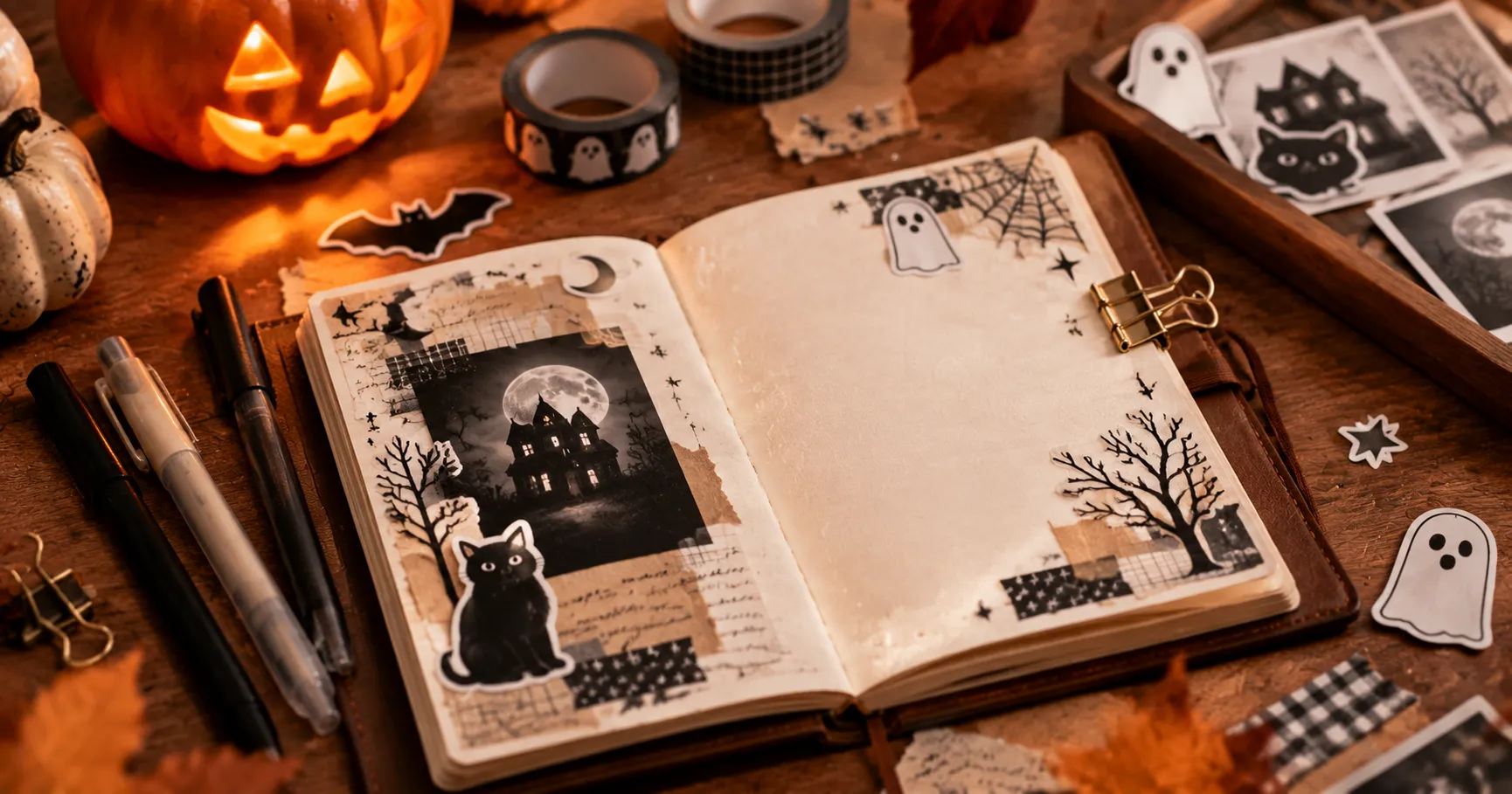
Try vintage gothic, pastel Halloween, or a simple black-and-white theme. Repeat a few favorite motifs to make the pages feel connected.
👜 ✨
Build a Cozy Craft Kit
Keep your journal, pens, washi tape, and compatible printer supplies together so you can decorate whenever inspiration arrives.
🦇 Turning Halloween Memories into Journal Details
Your Halloween memories do not have to stay in your camera roll. Add photos to your journal using a suitable photo-printing method, then pair them with printed dates, labels, or short descriptions. A tiny caption can turn a pretty page into a memory you will recognize years later.
🎀 Build an Aesthetic That Feels Like You
Halloween does not have to mean bright orange everywhere. Combine lavender and cream for a soft ghost theme, use black and gold for a moonlit look, or pair pumpkin orange with sage green for cozy autumn pages.
👜 Make Journaling Convenient at Home and Away
A portable printer can sit alongside your notebook, scissors, and favorite tape. When choosing your setup, consider size, power requirements, smartphone compatibility, and supported materials so it fits your actual journaling routine.
✨ Tiny creative spell: Pick two or three main colors and repeat one favorite motif. A little ghost in every spread can become your journal’s October mascot!
👻 2. Prepare Your Halloween Sticker Designs
The most playful journal pages often start with a little planning. Choose a theme, collect a few designs, and check how everything will fit before printing. Your page can still feel spontaneous while using your supplies thoughtfully.
🪄 Your Pre-Print Potion
Pumpkin day, spooky movies, party memories, or cozy autumn evenings.
Choose icons, short captions, and photos if your printing setup supports them.
Preview designs at their final size and leave space for cutting or peeling.
🌙 Choose a Halloween Theme for Each Journal Spread
Give each spread a small story: a pumpkin-patch adventure, a haunted movie marathon, a costume party, or a quiet autumn evening. Repeat orange accents, moon shapes, or ghost illustrations to connect different pages without making them identical.
🍭 Mix Icons, Captions, and Personal Details
Combine a main image with a few smaller designs such as bats, stars, or candy corn. Keep captions short, especially when printing small labels.
✂️ Resize and Arrange Before Printing
A design that looks clear on your phone may become hard to recognize at sticker size. Preview the actual dimensions. If your printer and materials support grouping several designs together, leave enough space between them for cutting or peeling.
🦇 Before you hit Print: Check spelling, confirm the final size, and make sure the design matches your printer’s output capabilities.
 |
✂️ 3. Print and Apply Your Halloween Stickers
Once the designs are ready, keep the process simple: use compatible materials, print a small sample, and decorate your page one layer at a time.
| Your Little Mission | What to Do | The Happy Result |
|---|---|---|
| 📦 Check materials | Choose supported paper or label media. | Fewer feeding and output problems. |
| 🔎 Test a sample | Print one or two small designs. | A chance to check size and clarity. |
| ✨ Build the page | Place the focal point, then add accents. | A balanced spread with room to breathe. |
📦 Choose Compatible Materials
Direct thermal printers require compatible heat-sensitive media. Other printing technologies may need different supplies. Check the device specifications and material instructions rather than assuming ordinary sticker paper will work.
🔎 Give Your Stickers a Test Run
Check that text is readable, icons are recognizable, and each sticker fits the planned space. Simple outlines often work well at small sizes. Adjust the design or available print settings before making a larger batch.
🎀 Layer Stickers with Washi Tape and Handwriting
Start with one main sticker or photo, then add smaller icons, washi tape, and short handwritten notes. Overlap decorative pieces gently while keeping important words and image details visible.
👻 + ✨ + 🖊️
One focal point + a few tiny accents + a little handwriting
A sweet starting recipe for a page that feels balanced.
🍬 4. Creative Halloween Journal Layouts
You do not need advanced scrapbooking skills to make a memorable Halloween journal. Try one of these layouts and adjust the colors, stickers, and writing to match your own style.
🎃 The Pumpkin-Patch Memory Collage
Choose three to five photos from pumpkin carving, a Halloween market, or a costume party. Arrange them in a relaxed collage, then add small stickers, dates, and favorite moments. Slightly uneven edges can make the page feel warm and personal.
Little extras: a ticket stub, a tiny leaf drawing, or a handwritten “best moment of the day.”
🌙 The October Bucket List
Use small icons to represent seasonal plans. Check off each activity and add one sentence about the experience.
☐ Bake pumpkin treats
☐ Decorate a cozy corner
☐ Visit a pumpkin patch
👻 The Tiny Sticker Collection
Give your favorite ghosts, cats, pumpkins, moons, and autumn leaves a page of their own. Group designs by theme and leave room for new discoveries.
🍬 Permission to be playful: Add doodles, handwritten jokes, little keepsakes, and imperfect details. Those are often the parts that make a journal feel most personal.
🖨️ 5. Explore NIIMBOT Portable Label Printers
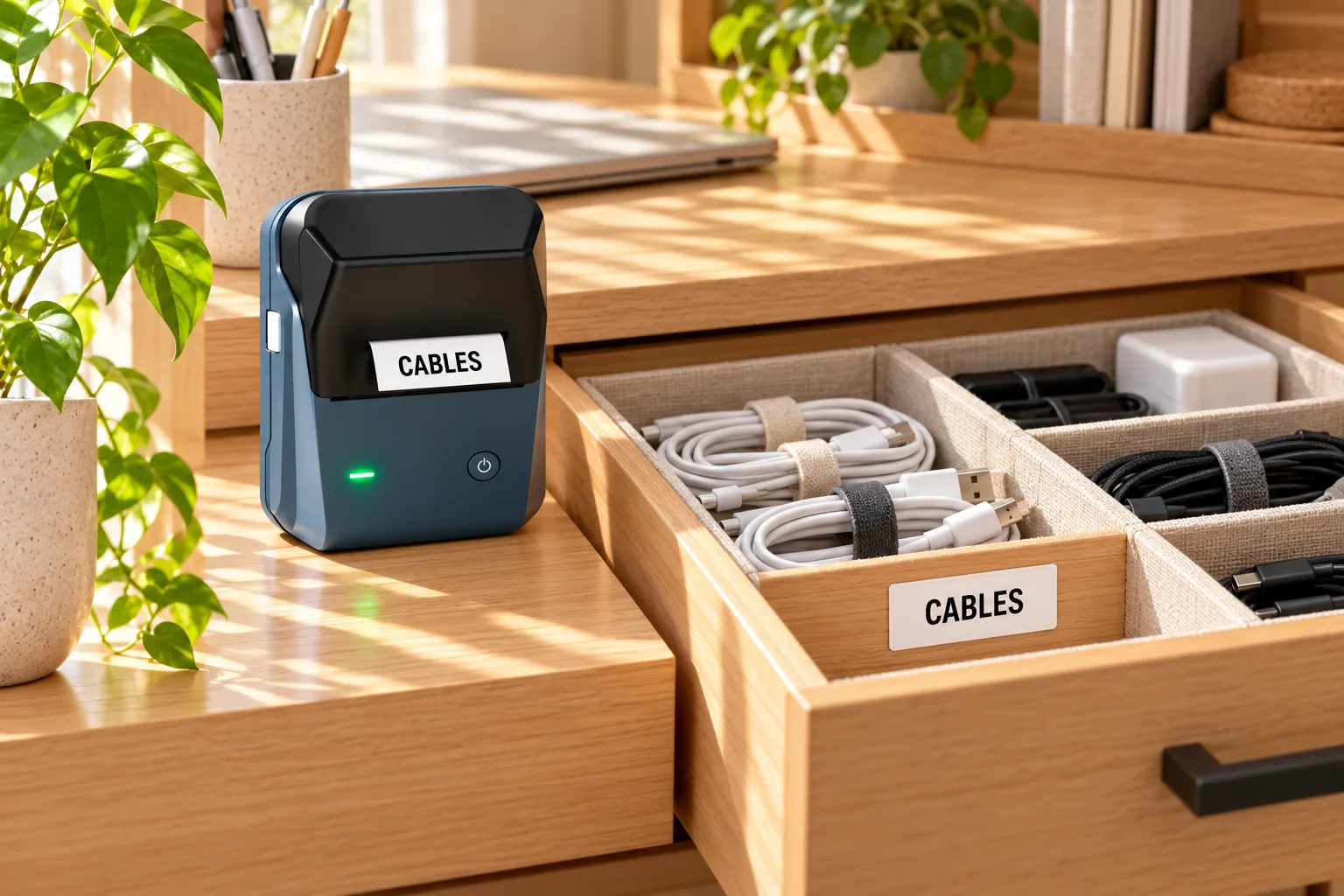
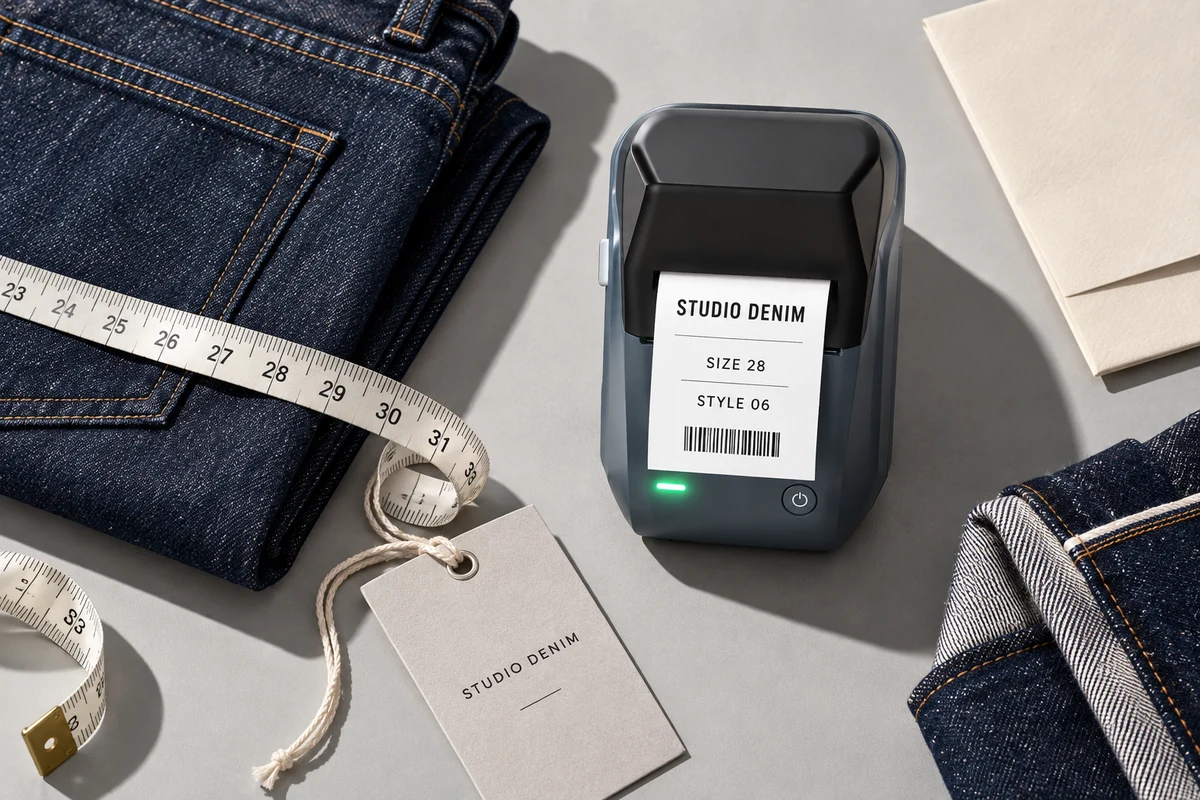
Label makers can be useful companions for Halloween journaling, especially for captions and craft-supply organization. Choose a device around the labels you actually want to create, then confirm its supported materials,sizes, and printing capabilities.
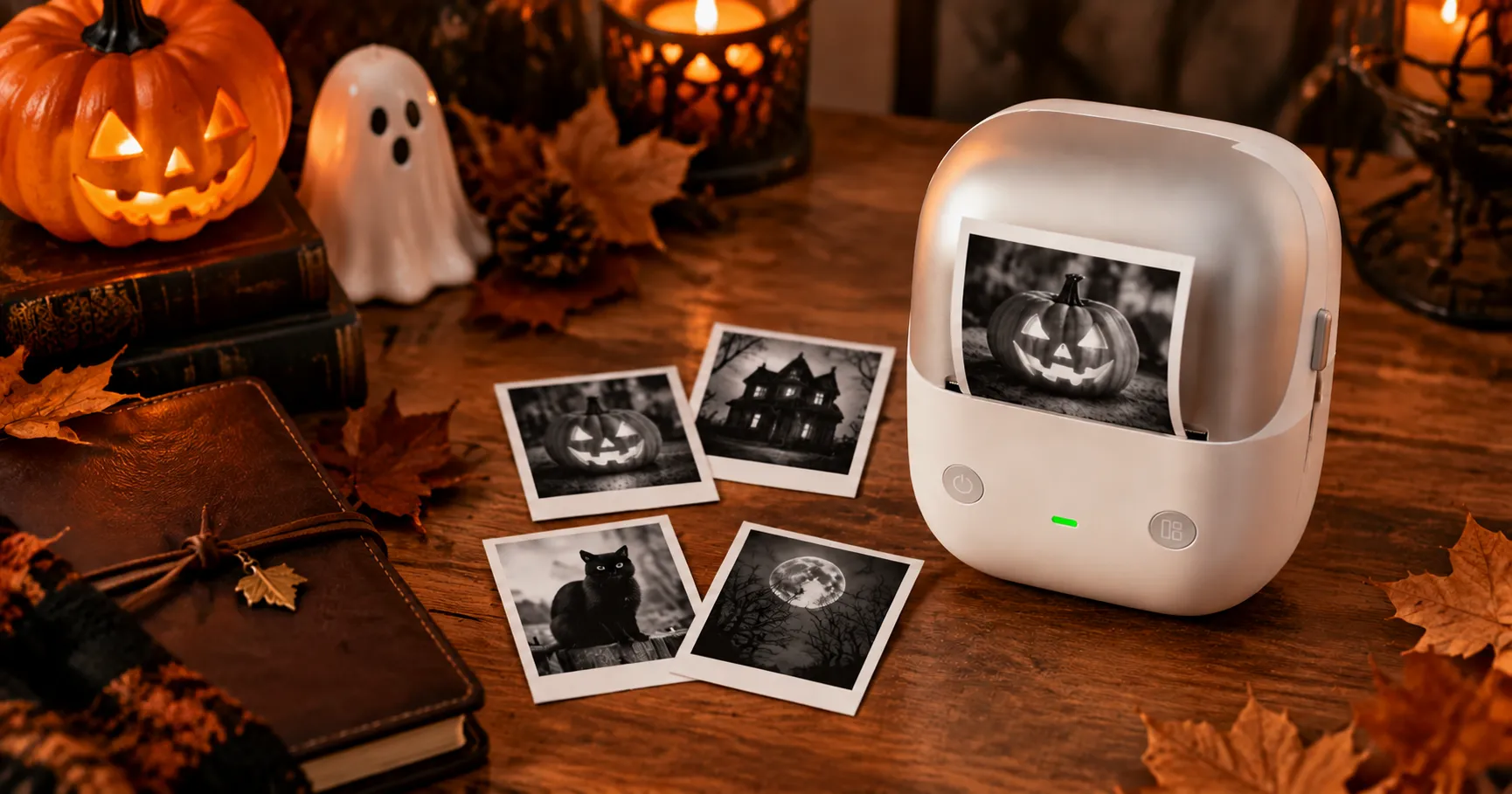
👻 A friendly printer reminder: Label printing and full-color photo-sticker printing are different capabilities. The ideas below focus on labels and organization; check each model’s specifications before planning decorative artwork.
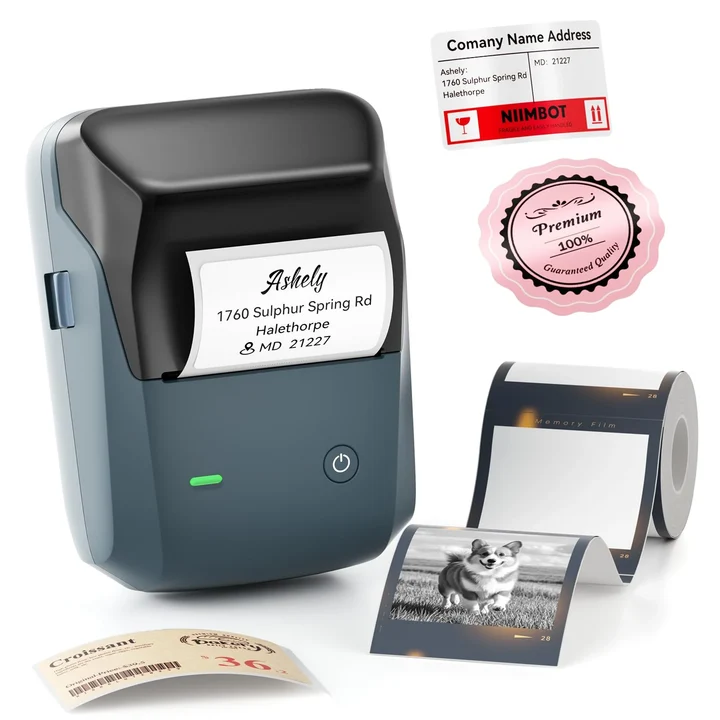
NIIMBOT N1
Exploring a simple labeling setup? Consider the N1 for your craft-organization needs, and check its official specifications to see whether its supported label formats suit your supplies.
- Plan labels for Halloween storage boxes.
- Give washi tape, pens, and seasonal supplies clear categories.
- Confirm compatible materials and design options before purchase.
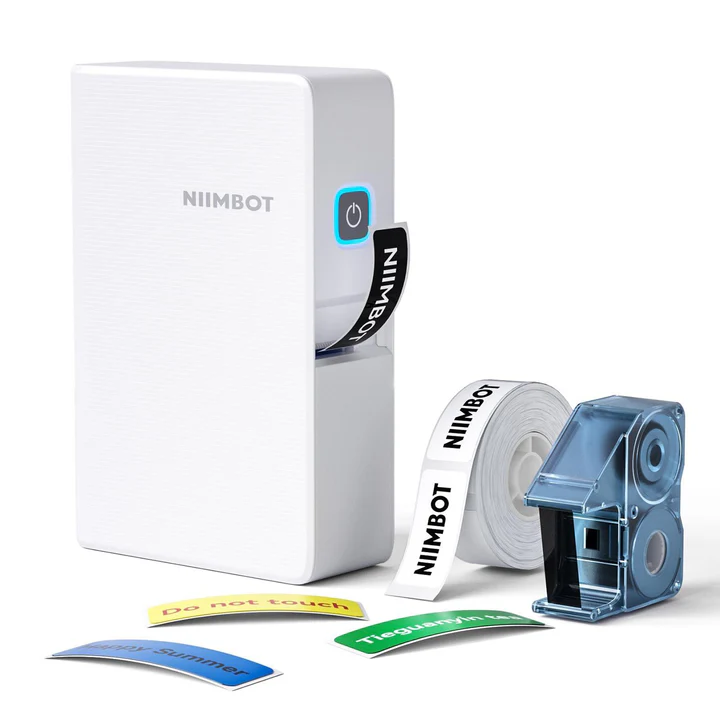
NIIMBOT B2 Pro
If your collection includes plenty of seasonal materials, explore the B2 Pro as part of your labeling options. Match its supported label sizes and printing features to the containers you use.
- Create a consistent labeling plan for craft containers.
- Separate sticker collections by season or theme.
- Check official specifications and compatible supplies.
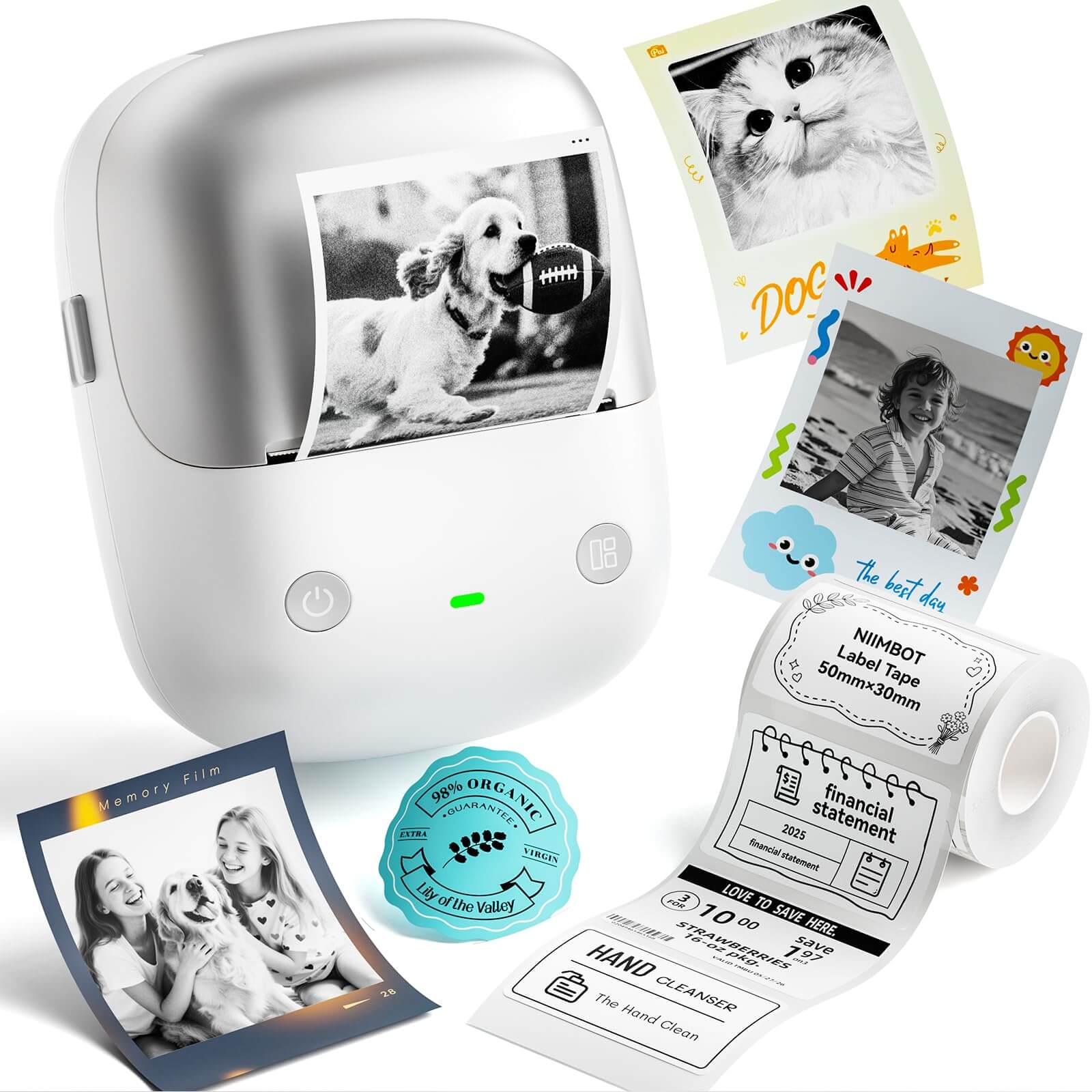
NIIMBOT B1 Pro
Add the B1 Pro to your comparison list when planning labels for drawers, reusable containers, and seasonal collections. Confirm the model’s printing method and required consumables with the seller before choosing your setup.
- Plan clear labels for reusable supply containers.
- Match label materials to your intended surfaces.
- Verify consumables and output capabilities.
🎃 👻 ✨
A LITTLE LABEL · A LITTLE MAGIC
Make Your Creative Corner
Feel a Little More Magical
Explore labeling ideas and find a setup that fits your craft supplies, seasonal projects, and everyday organizing.
Explore Our Homepage 🎃 →🕸️ Frequently Asked Questions
🎃 1. How can I stop my decorated journal from becoming too bulky?
Spread thicker decorations across different pages rather than stacking them in the same spot. Use flat paper accents for most entries, and save bulky keepsakes for a pocket or separate envelope.
👻 2. Can I include Halloween messages from friends?
Yes. Ask friends to share a short memory, a funny costume description, or a favorite moment from the celebration. Add their words as handwritten notes or printed text labels to make a shared-memory page.
🦇 3. What should I check before sharing my journal pages online?
Look for visible addresses, tickets with readable codes, private messages, and other personal details. Ask permission before posting identifiable photos of friends, and cover anything you would prefer to keep private.
🎃 📔 👻
Stay Cozy. Get Crafty. Make Memories.
A few tiny stickers and your favorite October moments can become something worth keeping.